Create or access your account
An account is required before you can download the demo. Create an account or sign in, then complete the email verification step.
Probabil Audio Help Center
Follow the guide to create your account, download and install the VST3 plugin, make your first sound, and activate your license.
info@probabilaudio.comStart here
An account is required before you can download the demo. Create an account or sign in, then complete the email verification step.
From download to first sound
Choose the Windows, Apple Silicon Mac, or Linux installer from the Downloads page. The demo does not require an account or a purchase.
Windows installer
C:\Program Files\Common Files\VST3.Package installer
Probabil-FM-1.5.0.pkg file and complete the installer steps./Library/Audio/Plug-Ins/VST3. A single-user install may use ~/Library/Audio/Plug-Ins/VST3.Version 1.5.0 is available as a .deb package (recommended for the supported distributions) or a .tar.gz archive with an installer script.
Download Probabil FM for LinuxThe package manager installs the plugin and manages dependencies and removal. Open a terminal in the download folder and run:
sudo apt install ./probabil-fm_1.5.0_amd64.debExtract the archive and open a terminal inside the extracted Probabil-FM-1.5.0 folder. Run the included script to install in ~/.vst3 for your user, without administrator access:
bash install.shAfter installation, restart your Linux DAW and rescan VST3 plugins. For the archive installation, make sure your DAW scans ~/.vst3. Load Probabil FM on an instrument track.
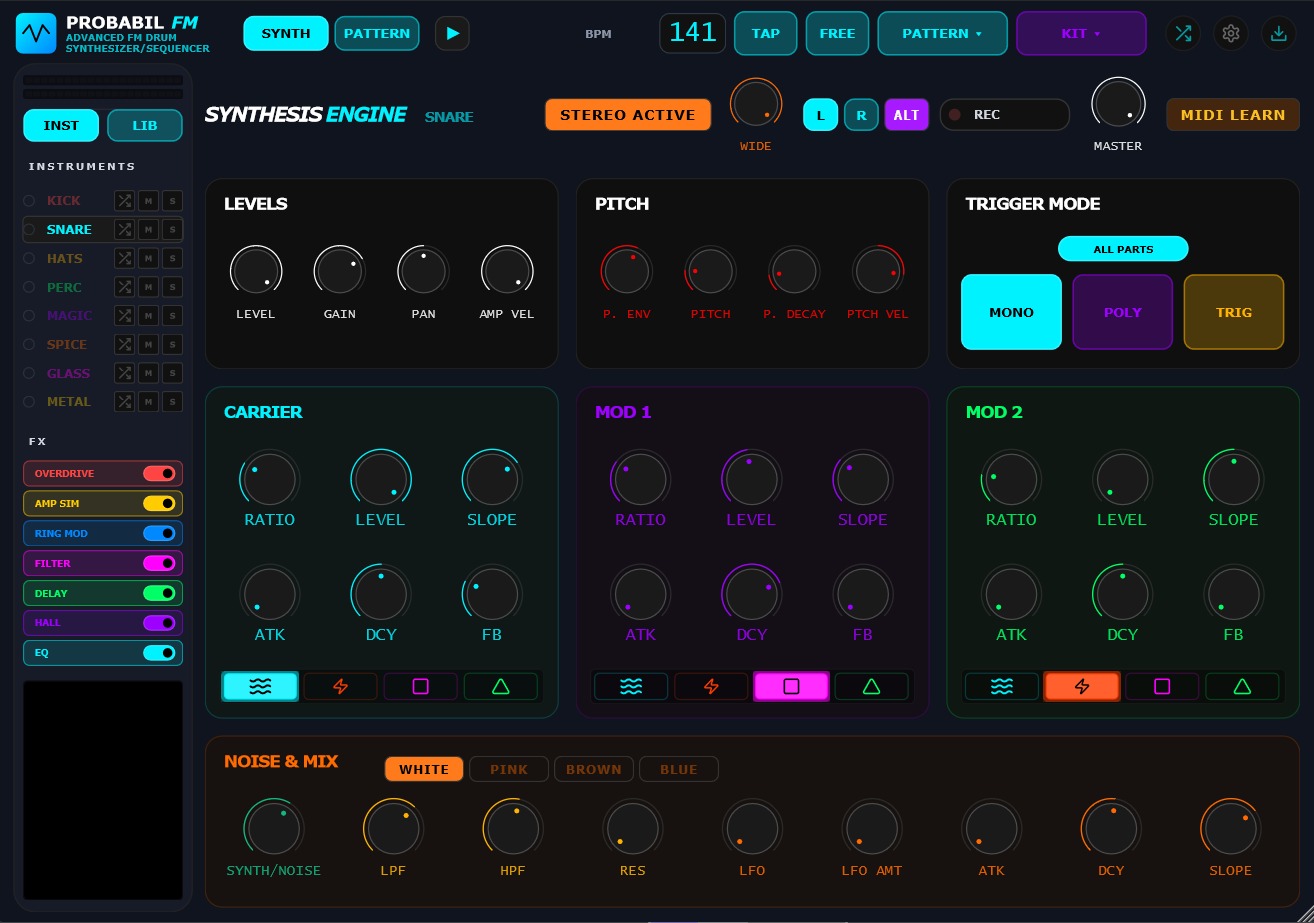
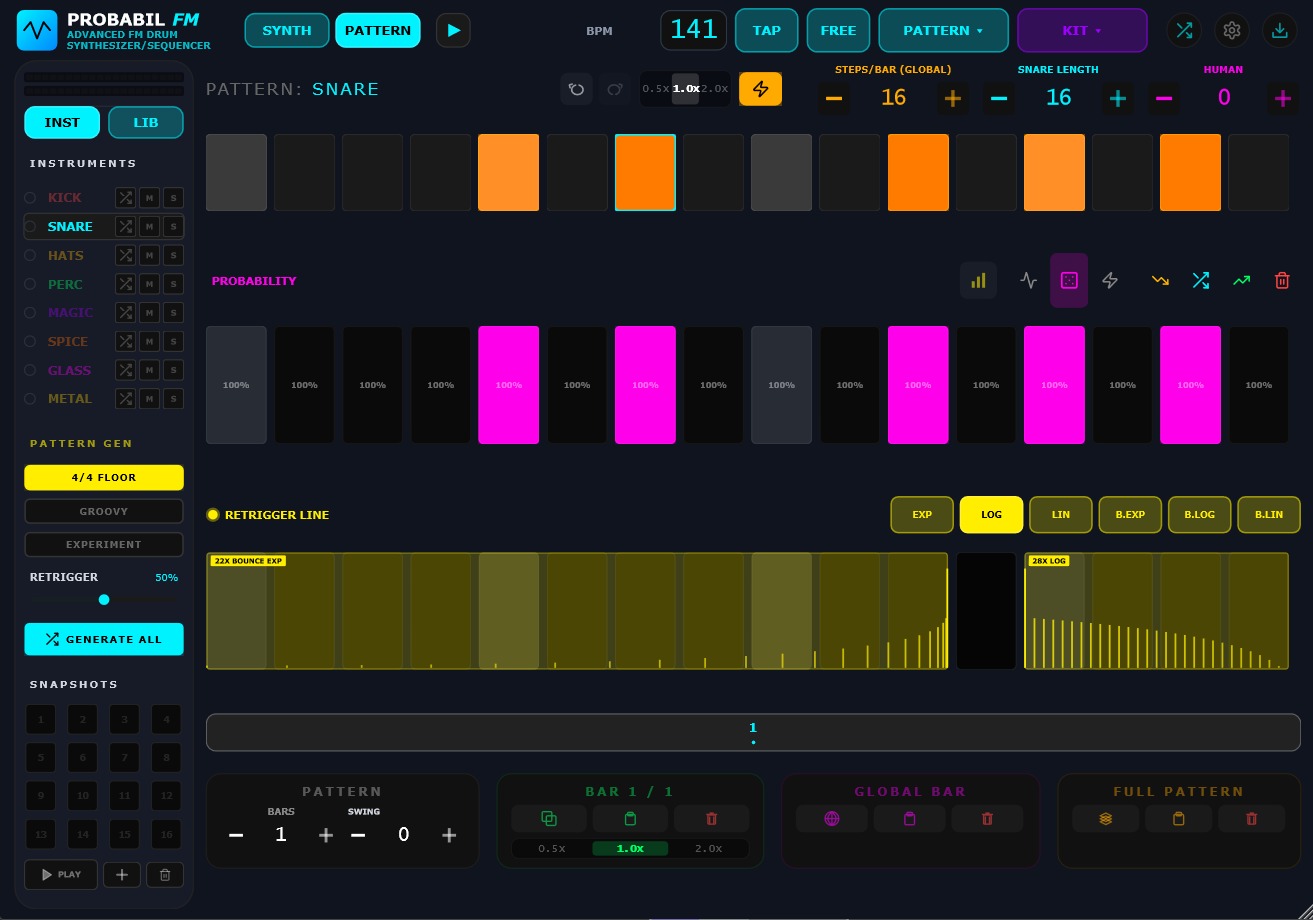
Open System Settings and check that the Internal Sequencer is enabled. Also check that the part is not muted with its M button and that another part is not soloed with S.
Unlock the full instrument
Your serial is shown in your account after purchase. Copy it exactly as displayed.
XXXX-XXXX-XXXX-XXXX.Without a valid key, Probabil FM runs as DEMO – UNLICENSED and periodically mutes its output. Editing, saving presets, and exporting remain available so you can evaluate the full instrument.
Find the license field
In the Synth page, use the cogwheel at the top right. The License Key field is at the top of the System Settings dialog.
Join the public Telegram support group for registration, download, installation, or license questions. Include your operating system, DAW, and a short description of what happened.